TMI cannot connect to WiFi network
Problem
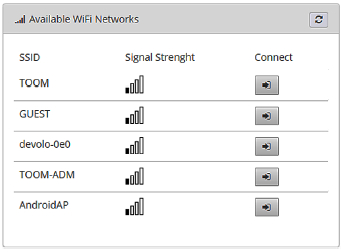
The WiFi network is visible from the TMI Administration Interface > WiFi > Available WiFi Networks. Click Connect, enter the password, then click Connect. Normally you would then expect to see that you are connected, and see information about the network.
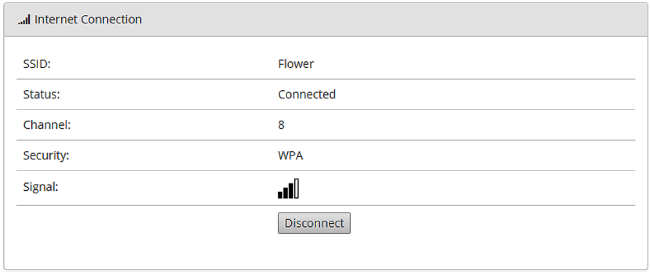
However, instead the software reverts back to showing the Available WiFi Networks:
Solution
Try:
-
Removing any special characters from the SSID (the name of the WiFi network).
-
Shortening the SSID.
-
Using a combination of letters and numbers in the password.
Related Products
MX9
MX7
Support Reference
00502501
Last modified
7 May 2021

